



Find all the icons on your hard drive in an instant
Icons are very practical because they allow us to graphically tell the difference in all kinds of files or applications, without having to see their name. If we want to see all the icons that we have stored on our hard drive, but we don't have to browse through all the files or folders that may lodge them, we can use an application like Icon Searcher.
Search for icons saved on your hard drive
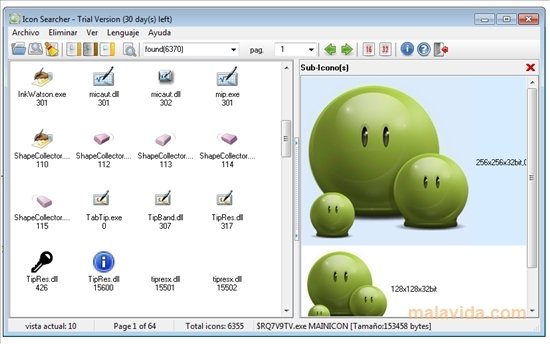
It is an application capable of searching on our hard drive, in search of all the icons that are stored, so that once it finds them we can view them separately.
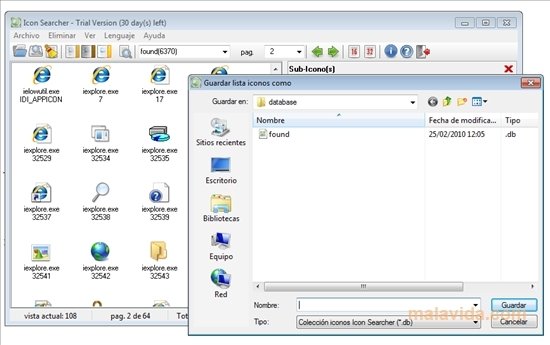
The program searches inside the EXE, DLL, CPL, OCX, BPL, SCR, ICL, VXB, DRV and ICO files, and once we find all the icons of our hard drive, it allows to export them to ICO, JPEG, GIF or BMP.
Other features that are worth highlighting of Icon Searcher are the capacity to filter the results by size, name or color, and the function to eliminate duplicated files on the system. Download this useful application now if you want to find all the icons that are stored on your hard drive.
Requirements and additional information:
- This trial can be used for 30 days.
 Héctor Hernández
As a technology journalist with over 12 years of experience in the world of software and apps, I have had the opportunity to try all kinds of devices and operating systems over the years. I have done from software or mobile applications reviews...

Scott McLure